Use All Your AI Models. Together. In One Workspace.
Connect OpenAI, Gemini, and Anthropic using your own API keys. Compare outputs, collaborate with your team, and control usage - all in one place.
For builders, teams, and AI-first workflows
Works with leading AI models


Create Multi-Step AI Workflows Visually
Chain prompts, assign different AI models to each step, and build reusable workflows using a powerful visual editor.
New user inquiry
Starts the workflow when a request arrives.
Generate research summary
AI model processes and summarizes the inquiry.
Send to Slack
Delivers the summary to your team workspace.
Features
One Workspace. Every Model. Full Control.
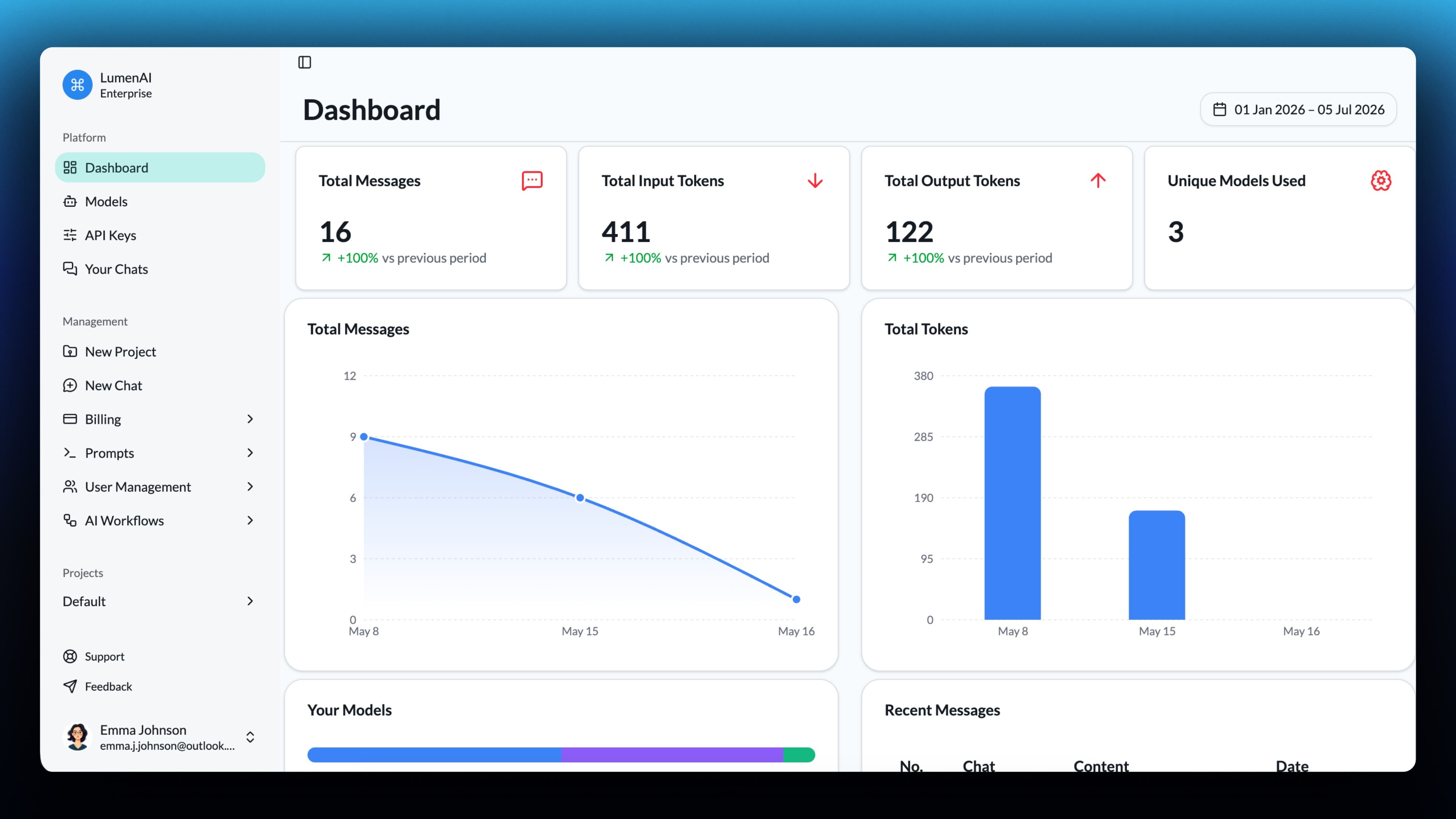
Run multiple LLMs side-by-side, manage access across teams, and control how models are used — all from a single workspace.
Multi-Model Playground
Run GPT, Claude, and Gemini in parallel. Compare outputs instantly and pick the best response.
Bring Your Own APIs
Connect your own API keys with strong encryption. No markups, no hidden usage.
Team & Usage Control
Manage permissions, restrict models, and monitor usage across your workspace.
Visual AI Workflows
Build reusable multi-step AI workflows with different prompts and models at each stage.
From Prompt to Multi-Model Answers in Seconds
Connect your APIs, run multiple models at once, and compare outputs — all in a single workflow.
Connect Your APIs
Add your OpenAI, Gemini, or Anthropic API keys securely and start using them instantly.
Send One Prompt
Write your prompt once and run it across multiple models at the same time.
Compare & Decide
View responses side-by-side, pick the best result, and refine your workflow.
Built for How You Actually Use AI
Whether you're building, testing, or collaborating — LumenAI adapts to your workflow.
Developers
Test prompts across multiple models and compare outputs instantly.
AI Experimentation
Evaluate model performance, tweak prompts, and find the best results faster.
Teams
Share access, control usage, and standardize AI usage across your org.
Power Users
Stop switching tabs. Run everything in one unified workspace.
Questions Before You Get Started
Clear answers on pricing, security, and how LumenAI works.
Still unsure? Try it yourself.
Have specific questions?
Contact SupportStop Switching Between AI Tools. Use Them All in One Place.
Run prompts across OpenAI, Gemini, and Anthropic at the same time. Compare results, control costs, and manage everything in one workspace.
No credit card required. Use your own API keys. Full control over usage.
© 2026 LumenAI. All rights reserved.